DUCKIO LEARNING RESOURCES
LearnBuild & Teach
Tutorials and references for building with Microduck.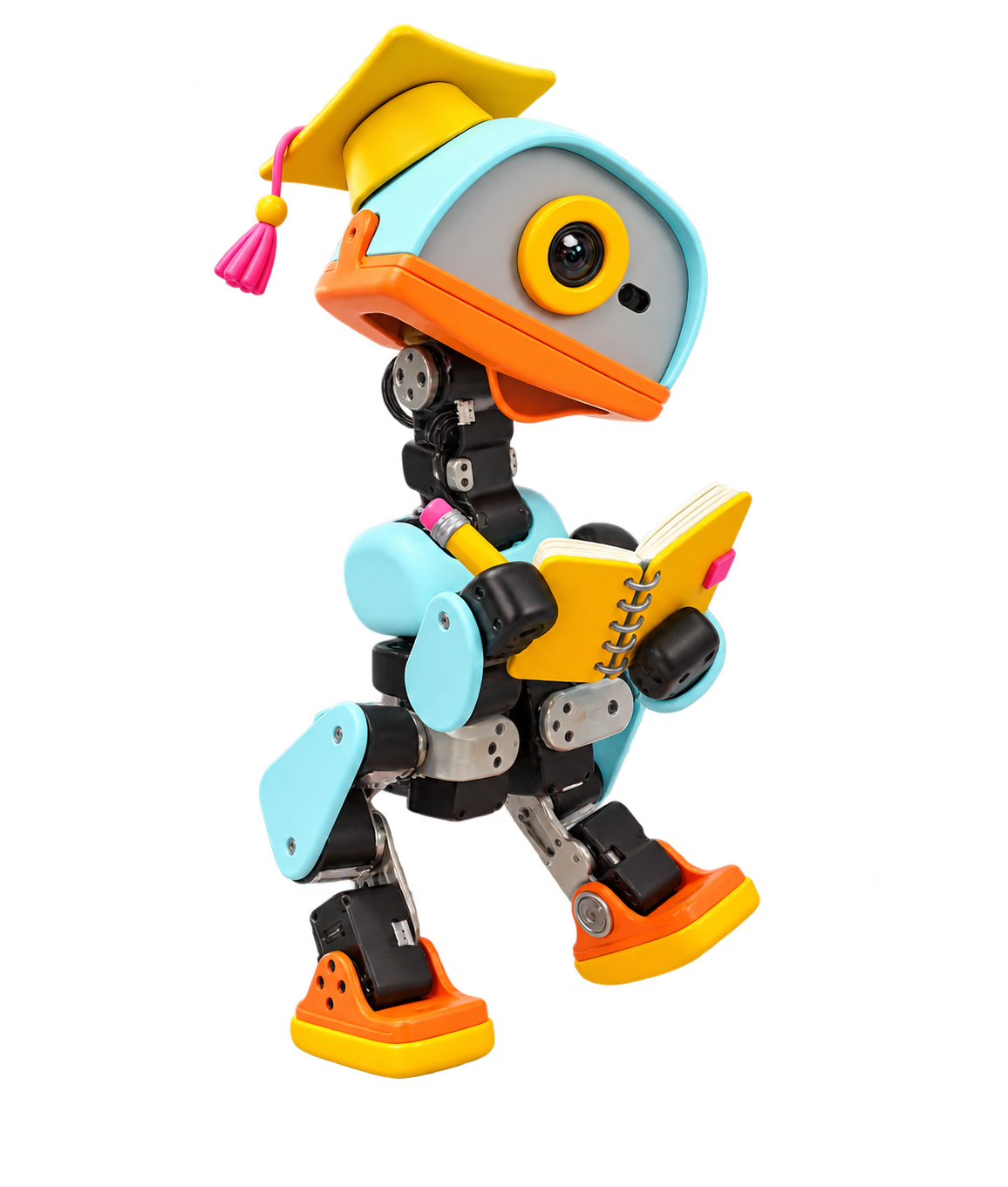
Recommended Tutorials
All Resources
MicroDuck Startup: Two-Day RL Workflow
A reproducible two-day path from browser simulation and CPU checks through PPO training, ONNX export, native replay, and browser reintegration.
MicroDuck Startup
MicroDuck Startup is a Chinese-language, executable two-day learning path for reproducing the complete Microduck policy workflow. It deliberately stops short of physical hardware: the outcome is a verified software loop from an official baseline through local training and ONNX reintegration.
Day 1: establish the baseline
Clone the tutorial, copy configs/experiment.env.example, and run the host preflight. The scripts then fetch pinned revisions of microduck_rl, the robot runtime, MicroDuckModels, the replica project, and the Awesome directory into an ignored workspace. Verify every resolved SHA before continuing.
Build and run the browser simulator first. This exposes the relationship between velocity commands, the 61-dimensional observation, 14 servo actions, separate ONNX behavior policies, and the handwritten switching logic. Record stability, command response, fall recovery, and behavior transitions before changing a model.
Day 2: train and export
Install the official microduck_rl environment and require torch.cuda.is_available() to pass. Run the repository tests, then use the documented 64 env x 5 iteration smoke test. Only after that succeeds should the main 4096 env x 1000 iteration teaching run begin. The tutorial keeps the first pass on one GPU so distributed-system failures are not mixed with RL failures.
Locate the resulting checkpoint and export it through the official exporter. Verify that the ONNX graph accepts [1, 61], produces [1, 14], and includes observation normalization. Replay both official and custom policies in native MuJoCo before replacing the browser policy.
Evidence and handoff
Finish by recording pinned upstream SHAs, GPU information, parameters, and artifact hashes in the supplied manifest. An optional worktree creates a single-variable ENABLE_VELOCITY_PUSHES A/B comparison. The repository also includes troubleshooting, workstation handoff, one-day profiles, and Hugging Face Space staging.
Follow the canonical repository for exact commands and current pinned revisions; do not substitute floating branches during the first complete run.
What You Will Learn
- Run the browser MuJoCo simulator with official ONNX policies
- Validate the pinned microduck_rl environment and complete a 64-environment smoke run
- Train a local checkpoint and export a 61-input, 14-action ONNX policy through the supported exporter
- Replay official and custom policies in native MuJoCo and reinstall the custom policy in the browser simulator
- Record upstream revisions, GPU settings, parameters, and artifact hashes in an experiment manifest
Outline
- 01Pin and clone upstreamsClone the tutorial and its five source repositories at the revisions recorded in configs/upstreams.env.
- 02Run the browser baselineBuild MicroDuckModels, exercise official ONNX behaviors, and observe the handwritten policy-switching state machine.
- 03Validate microduck_rlInstall the official environment, list tasks, run CPU tests, and confirm CUDA visibility.
- 04Smoke test and trainRun 64 environments for five iterations before starting the documented 4096-environment training run.
- 05Export and verify ONNXUse the supported exporter and verify the [1,61] to [1,14] contract with normalization embedded.
- 06Replay and reintegrateCompare native MuJoCo inference, install the custom policy in the browser project, and perform the optional push/no-push A/B experiment.